

Something extraordinary is unfolding
Bluetooth Setup

Streamlining Your Drive Across Orange County
Modern driving along the bustling commuter corridors of Tustin requires seamless connectivity. Infiniti addresses this need directly with the sophisticated Infiniti InTouch™ infotainment ecosystem. This system integrates your smartphone with your vehicle's core architecture, enabling high-definition hands-free calling, real-time navigation access, and crystal-clear audio streaming. Imagine navigating local traffic while enjoying untethered control over your favorite multimedia playlists, completely distraction-free.
This comprehensive guide provides concrete, step-by-step instructions to pair your smartphone with your vehicle smoothly. Infiniti’s infotainment layout has evolved over the past five years—transitioning from the traditional dual-screen setups found in older models to the latest massive Monolith touchscreen displays. This guide accounts for these platform updates, ensuring you can unlock the full potential of your vehicle's tech suite.
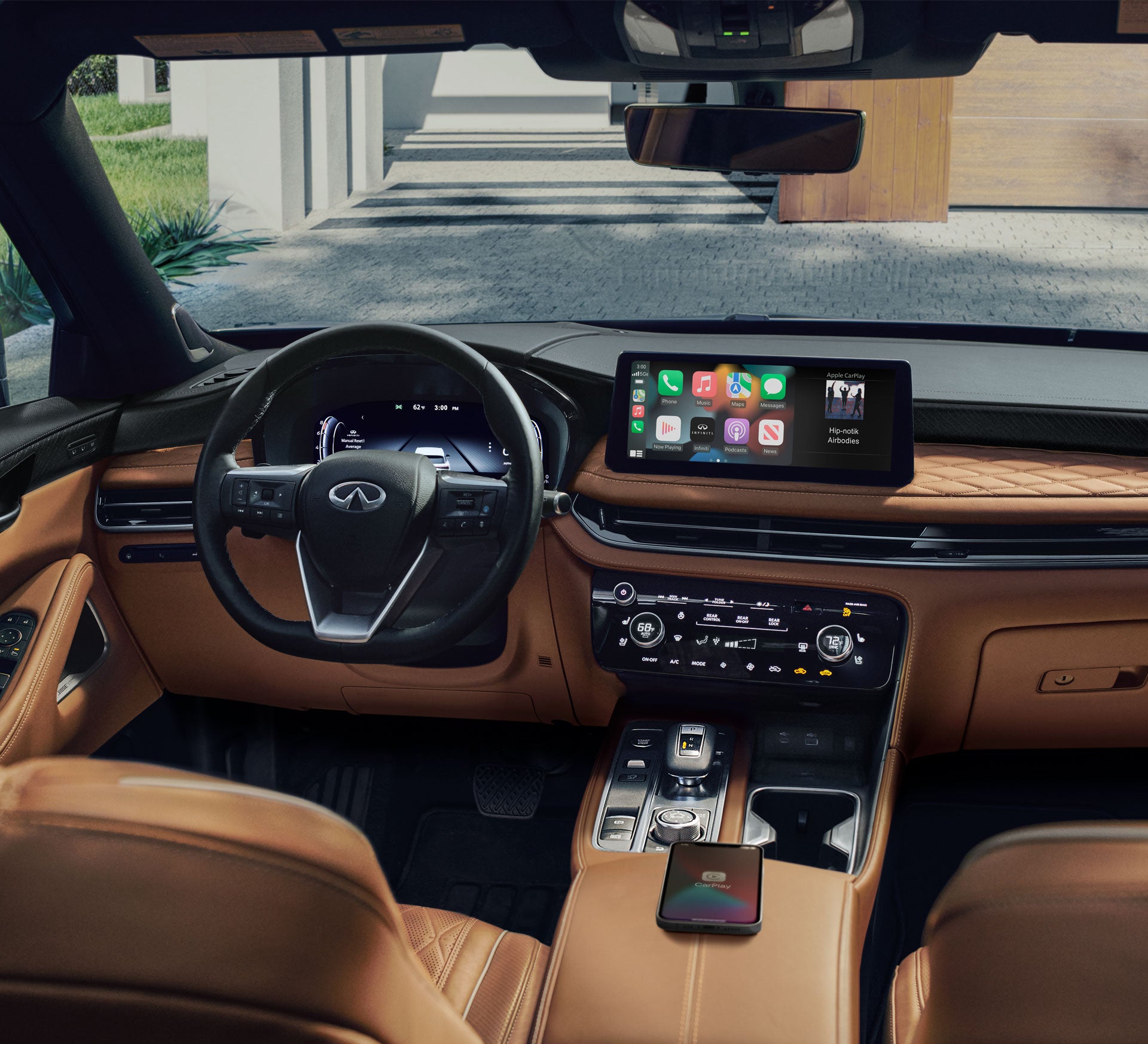
Step 1: Preparing Your Smartphone
Before initiating the handshake from your dashboard, your handheld device must be primed to broadcast its connection beacon. Follow the specific setup protocols below based on your mobile operating system:
- For Apple iPhone Users (iOS): Open your Settings app, select Bluetooth, and flip the toggle switch to green/active. Keep this specific menu screen open; doing so forces the iPhone to remain in active discovery mode, continuously searching for external signals.
- For Google Android Users: Swipe down from the top of your screen to access the Quick Settings panel, tap and hold the Bluetooth icon, and ensure the master switch is toggled on. If your device features a separate "Pair New Device" or "Visibility" option, tap it to make your hardware discoverable to nearby signals.
Note for local drivers: Ensure your device is disconnected from any auxiliary workplace headsets or home smart devices before beginning the vehicle pairing sequence.
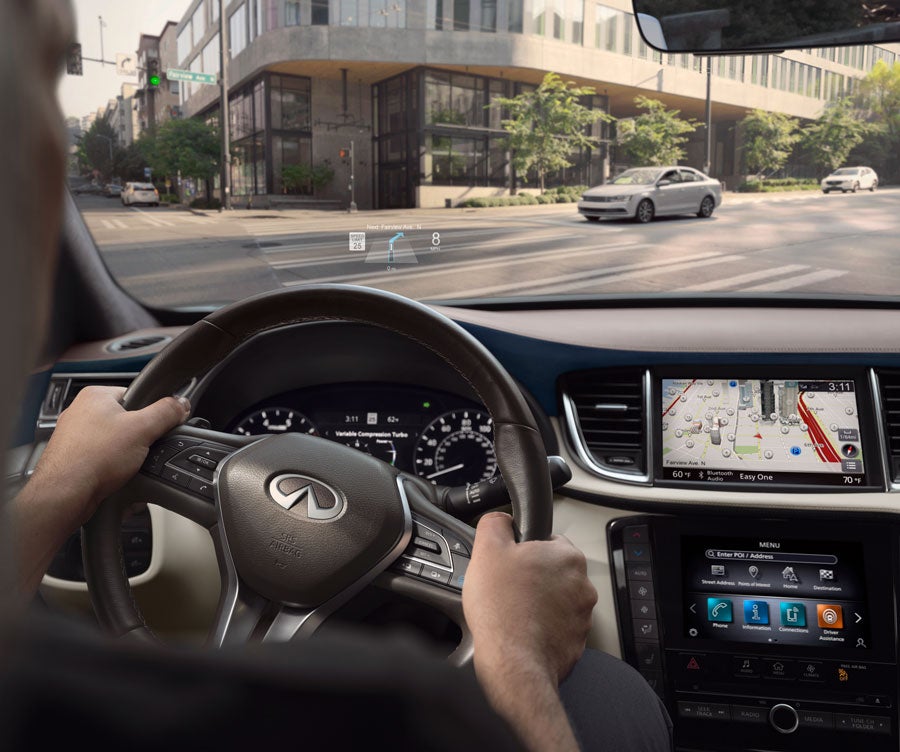
Step 2: Accessing Your Infotainment System
With your smartphone actively broadcasting, turn your attention to your vehicle's center stack. Because interface layouts vary across recent model generations, look for your specific platform below:
- The Monolith Display Platform (Latest Models): Tap the All Apps icon on the home screen, select Settings, navigate to Connections, and select the Bluetooth menu tab.
- The Classic Dual-Screen Platform (Older Models): Press the physical SETTING button located on the lower control console array beneath the bottom screen. On the display, touch the Bluetooth icon, then select Connect Device.
- Legacy Systems: Press the physical MENU button, select the Settings soft-key on the screen, tap Phone, and select the Connect Phone command.
Once inside your specific system's menu, tap Add New or Add Device to prompt the vehicle to begin scanning local frequencies for your smartphone.
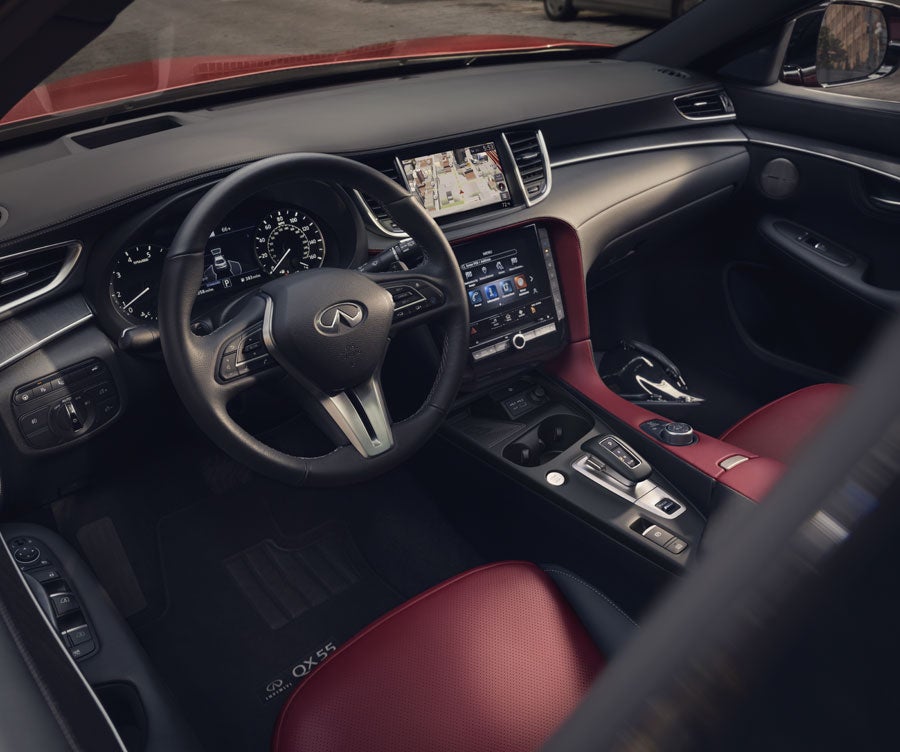
Step 3: Confirming the Security Handshake
Once your vehicle finds your phone, your device name will appear on the central display, and the vehicle name (typically appearing as My-Infiniti) will populate under your phone's available devices list.
- Tap the vehicle name on your smartphone's Bluetooth discovery screen.
- A secure, randomized 6-digit PIN code will generate and display simultaneously on both your smartphone screen and your car's dashboard display.
- Carefully cross-reference the numbers. If the codes match identically, press Pair or OK on your phone, and tap Yes or Confirm on your vehicle's touchscreen.
If the pairing window times out or throws an error code, simply delete any partial connections from your phone's history list and restart the pairing process.
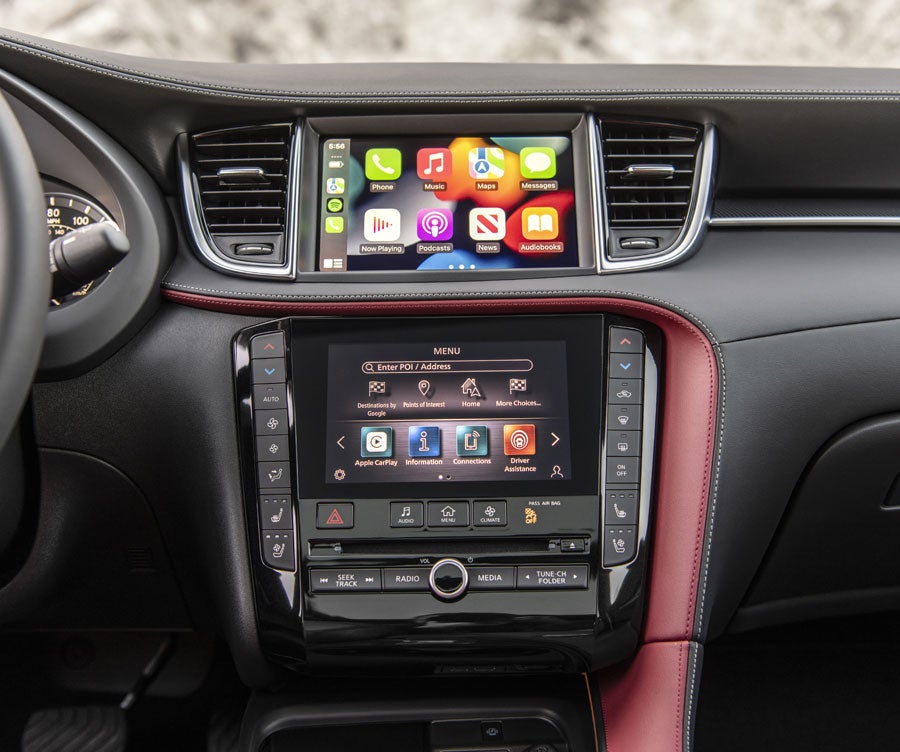
Step 4: Granting System Permissions
Immediately following a successful hardware handshake, your smartphone will trigger automated privacy prompts requesting system access permissions. To ensure a premium hands-free experience, address these requests as follows:
- Contacts & Call History: Select Allow. This syncs your personal address book with the vehicle's onboard voice recognition system, allowing you to safely initiate hands-free phone calls using simple steering wheel button controls.
- Text Message Syncing (SMS): Select Allow to let the vehicle display or read aloud incoming text alerts while you are driving, keeping you safely updated on the move.
- Wireless CarPlay / Android Auto: On models equipped with wireless phone integration, a final prompt will ask if you want to enable this feature automatically upon starting the car. Confirm this option if you prefer using your phone's native interface layout over the standard factory menu screens.
Troubleshooting & Personalized Support
If you run into persistent connection loops or dropouts, minor software mismatches are often the cause. You can easily resolve most issues by restarting your phone, verifying your phone is running its latest software update, or clear out the vehicle's connection cache by going to the device management menu and selecting "Delete All Devices."
Should you require any hands-on technical assistance, our local tech specialists are here to help. You can visit our team at our state-of-the-art Tustin showroom, where a service consultant will gladly walk you through the pairing process, complete any necessary vehicle firmware updates, and ensure your device links up flawlessly for a seamless drive.
Sales Hours
| Monday | 9:00AM - 7:00PM |
| Tuesday | 9:00AM - 7:00PM |
| Wednesday | 9:00AM - 7:00PM |
| Thursday | 9:00AM - 7:00PM |
| Friday | 9:00AM - 7:00PM |
| Saturday | 9:00AM - 7:00PM |
| Sunday | 10:00AM - 6:00PM |